SealKeep lets you build custom data apps - contacts, password managers, patient forms, anything - where your data is locked in your browser before it ever reaches the server. No code required.
Most apps store your data on a server where an employee or a hacker could read it. SealKeep works differently: your password turns into a lock that scrambles your data inside your browser before anything is sent to the server. The server holds a locked box - it has no key to open it.
Even if someone stole the entire database, all they would see is scrambled data. Without your password (or a recovery code), the information is permanently unreadable - not even the server owner can access it.
Your data is scrambled in the browser using AES-256-GCM encryption. Every record gets its own unique lock.
Your password is transformed into an encryption key in a way that is deliberately slow for attackers, making guessing your password impractical.
Get 10 one-time backup codes at setup. Each one independently unlocks your data if you forget your password.
All encryption uses the browser's built-in security tools - no third-party code handles your keys.
From creating an account to managing encrypted records - here's everything you need.
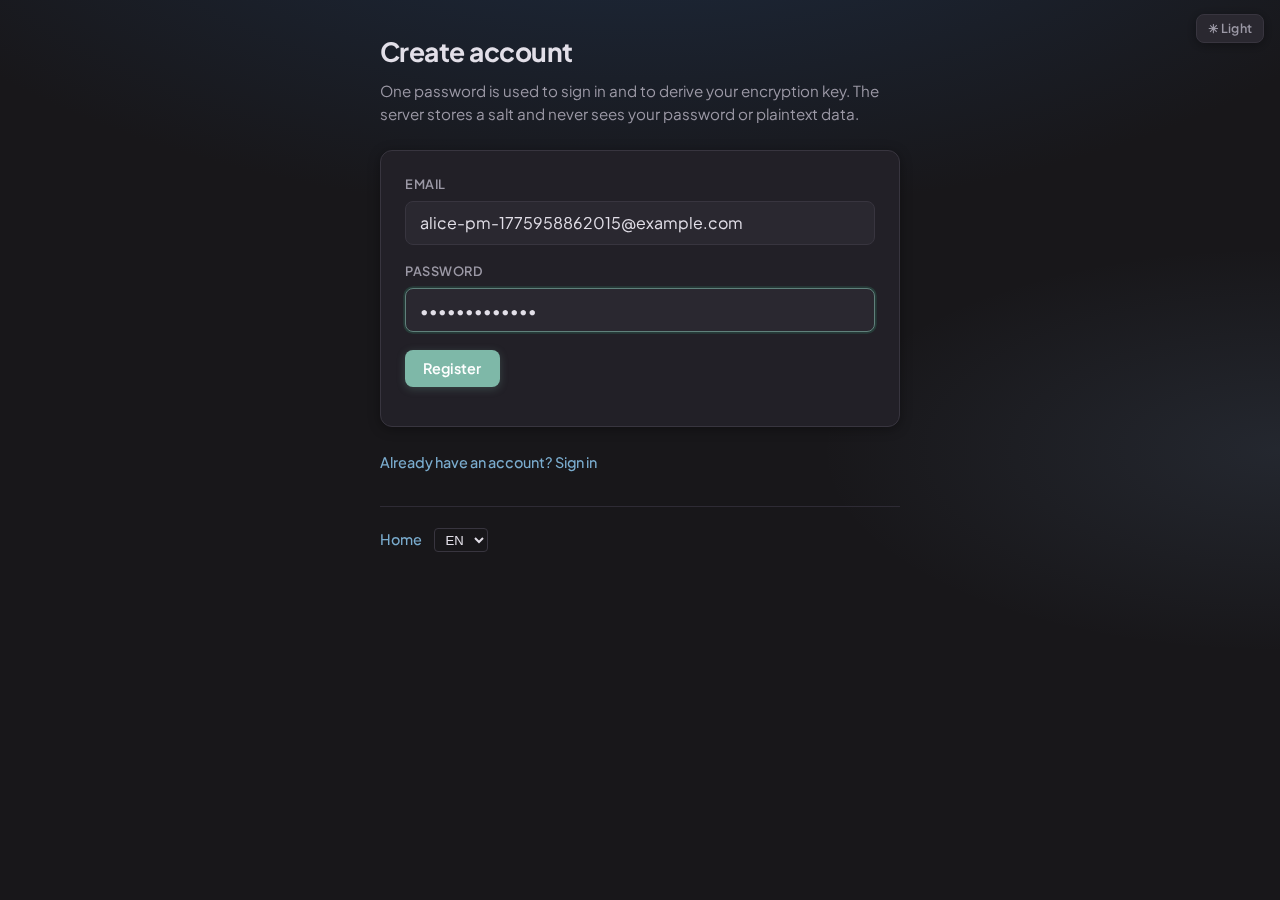
Register with an email address and a password. Your password is the only thing that can unlock your data. The server only stores a scrambled version of it - not the password itself.
After registering, you're taken straight to the recovery code setup - it's required before you can do anything else.
Enter your email and a strong password (8+ characters)
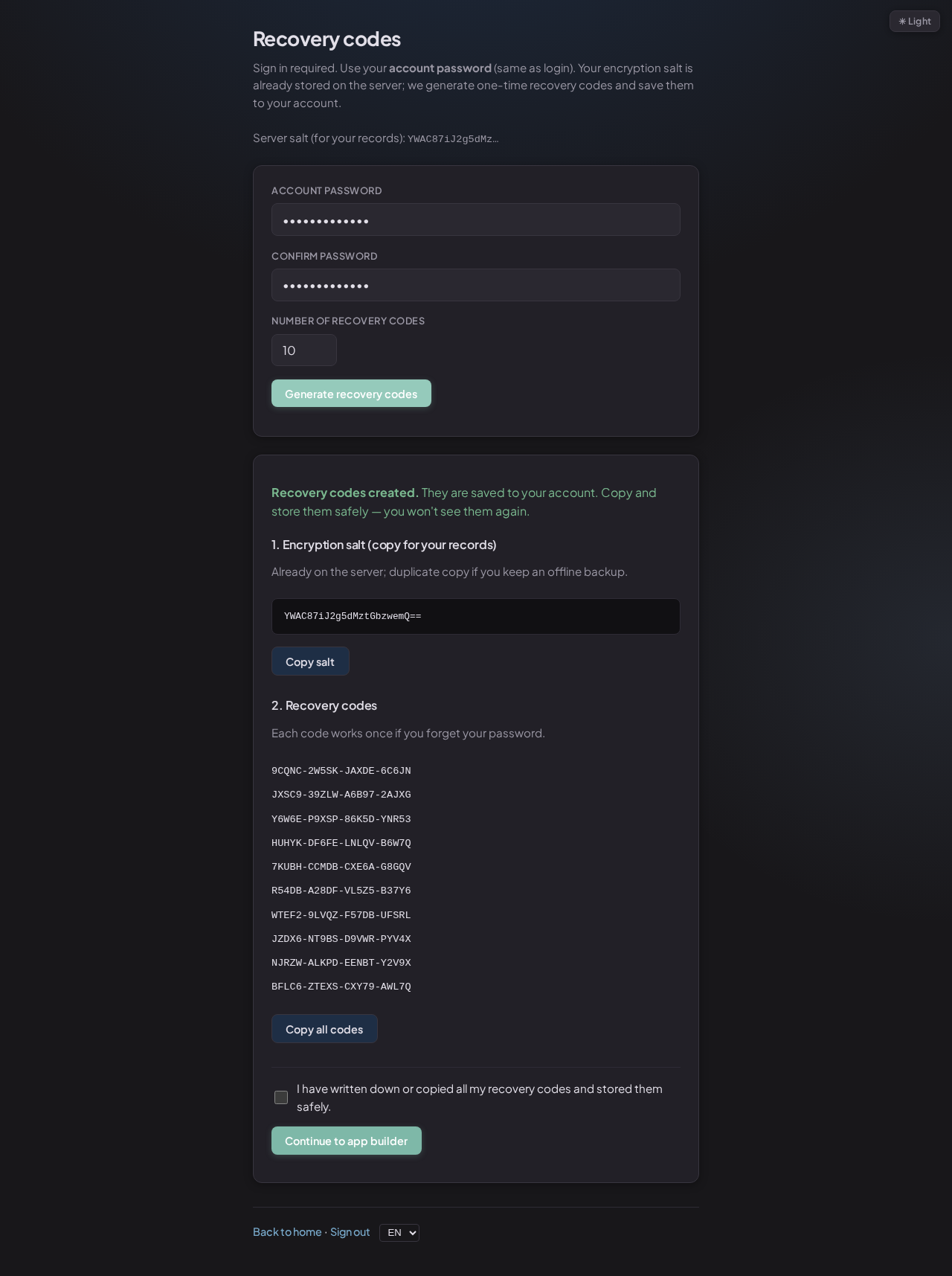
SealKeep generates 10 one-time backup codes and shows them on screen - they're never stored on the server in a readable form. Each code is a separate key to your data. Store them like you'd store a spare house key: somewhere safe and offline.
If you forget your password and lose all your recovery codes, your data is gone forever. There's no "forgot password" email that can recover encrypted data.
10 one-time recovery codes - write these down and keep them safe
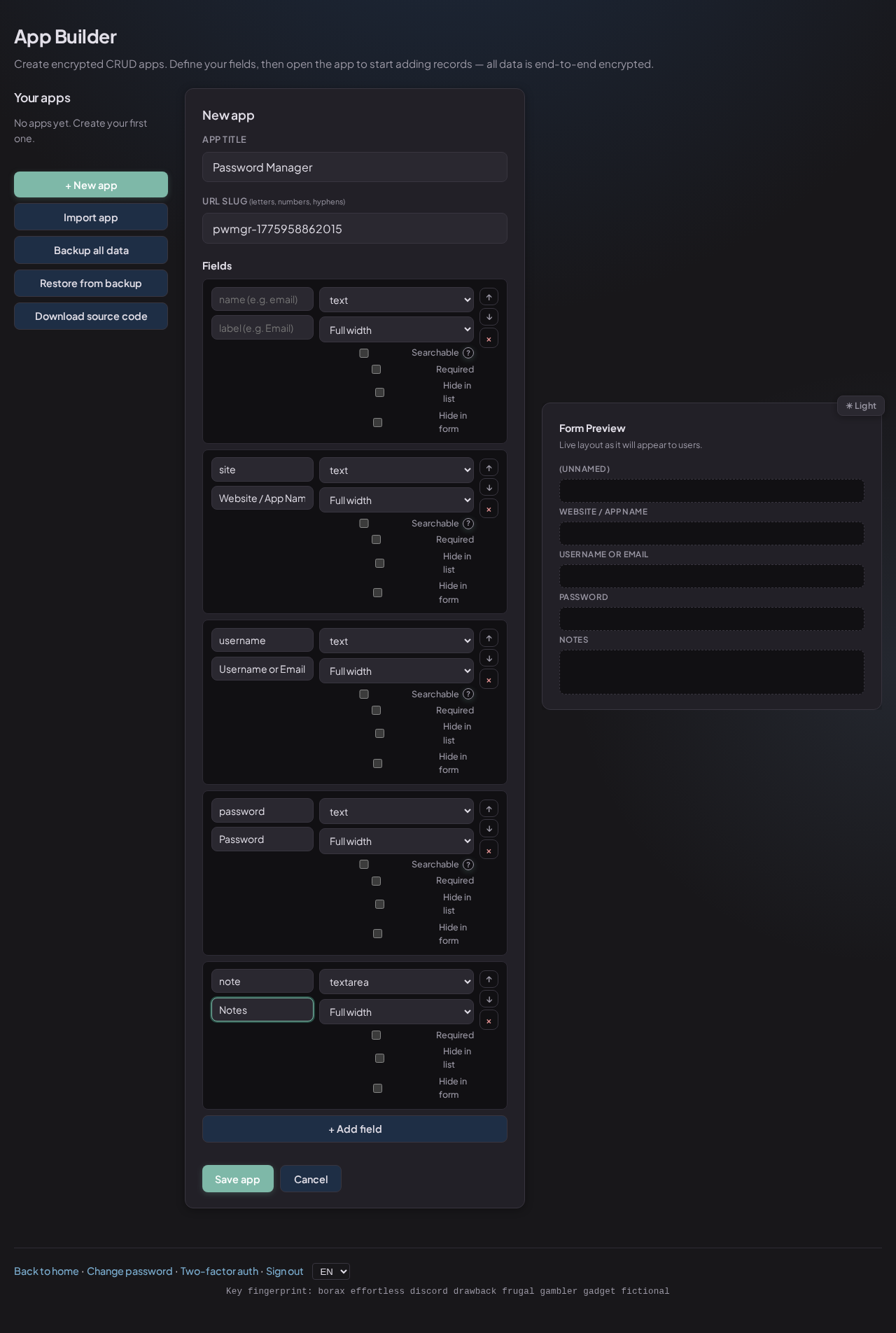
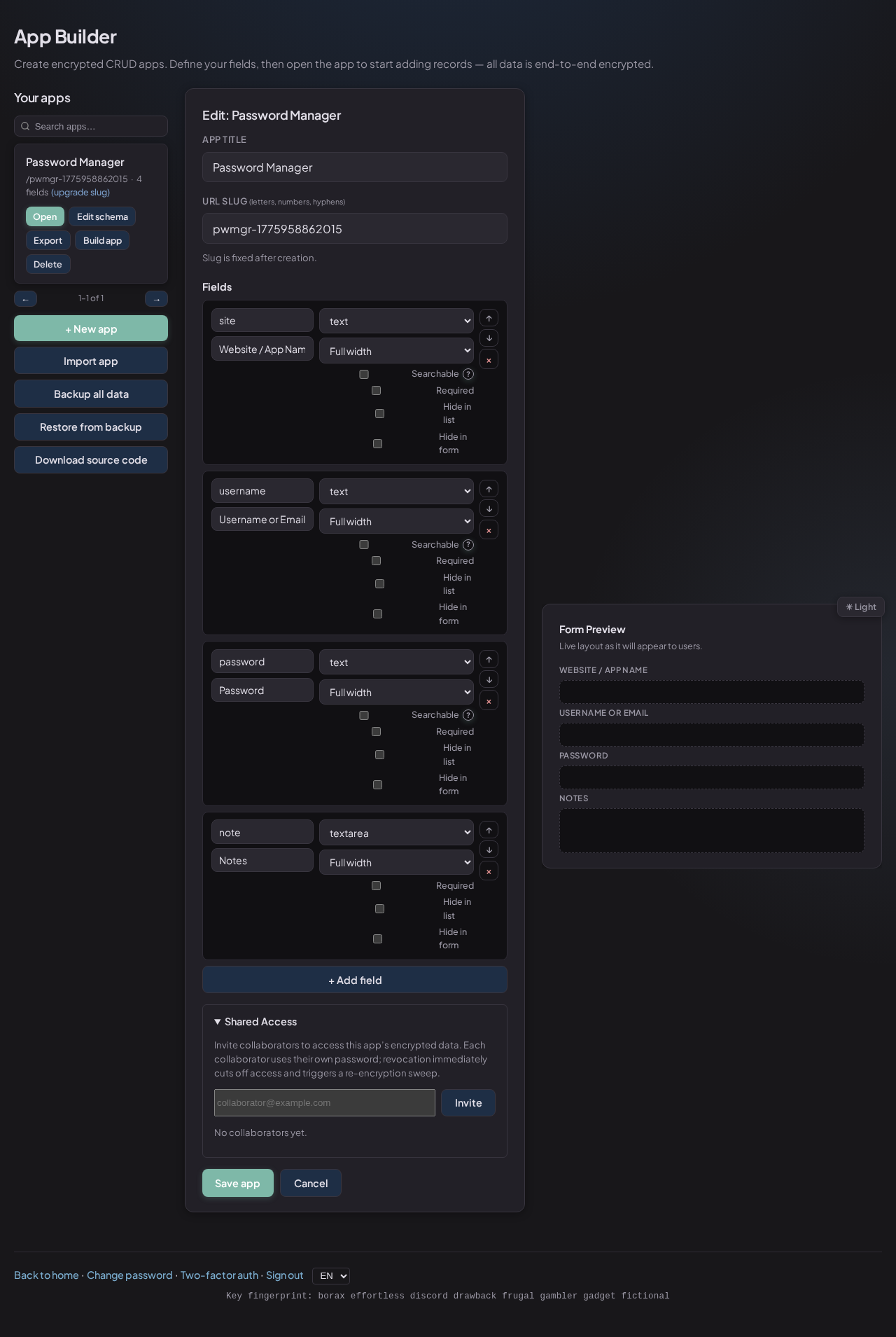
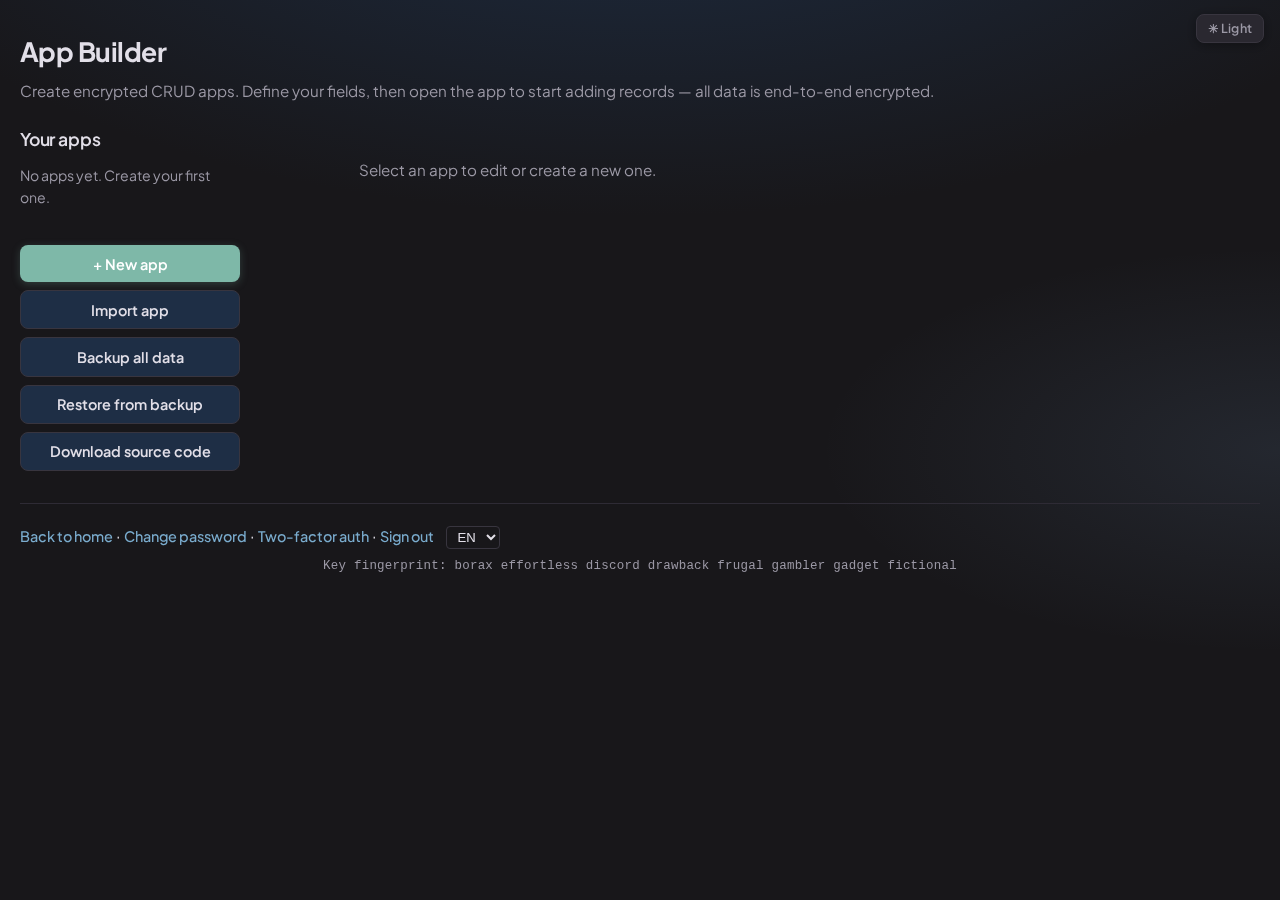
The App Builder lets you create any kind of data tracker - a password manager, a contact list, a patient intake form, an invoice log - by clicking, not coding. Add fields, choose types, set layouts, and hit Save.
Every time you open the Builder, you unlock it with your password. This ensures your key is only in memory when you're actively using it.
Builder - fields defined for a Password Manager app
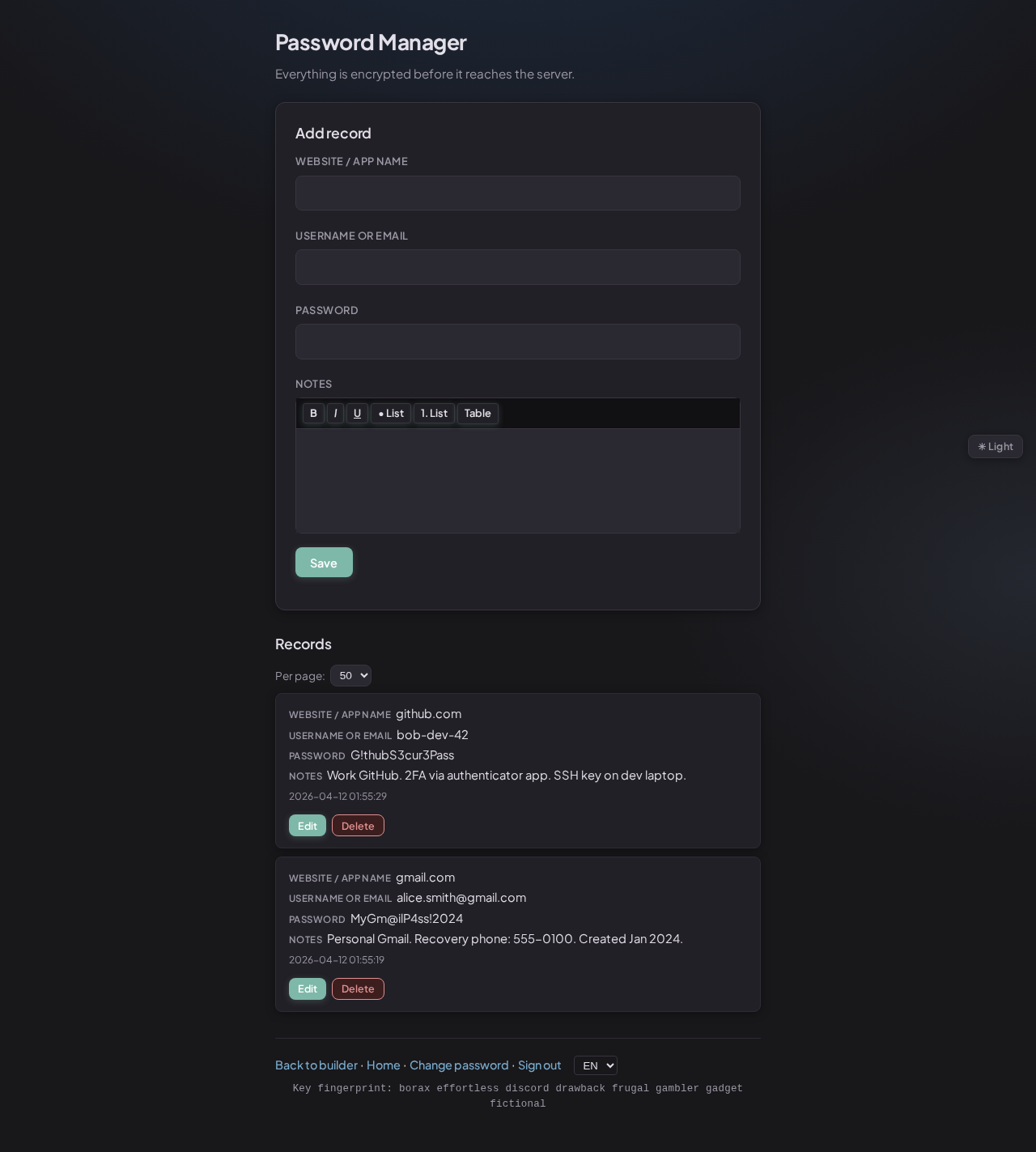
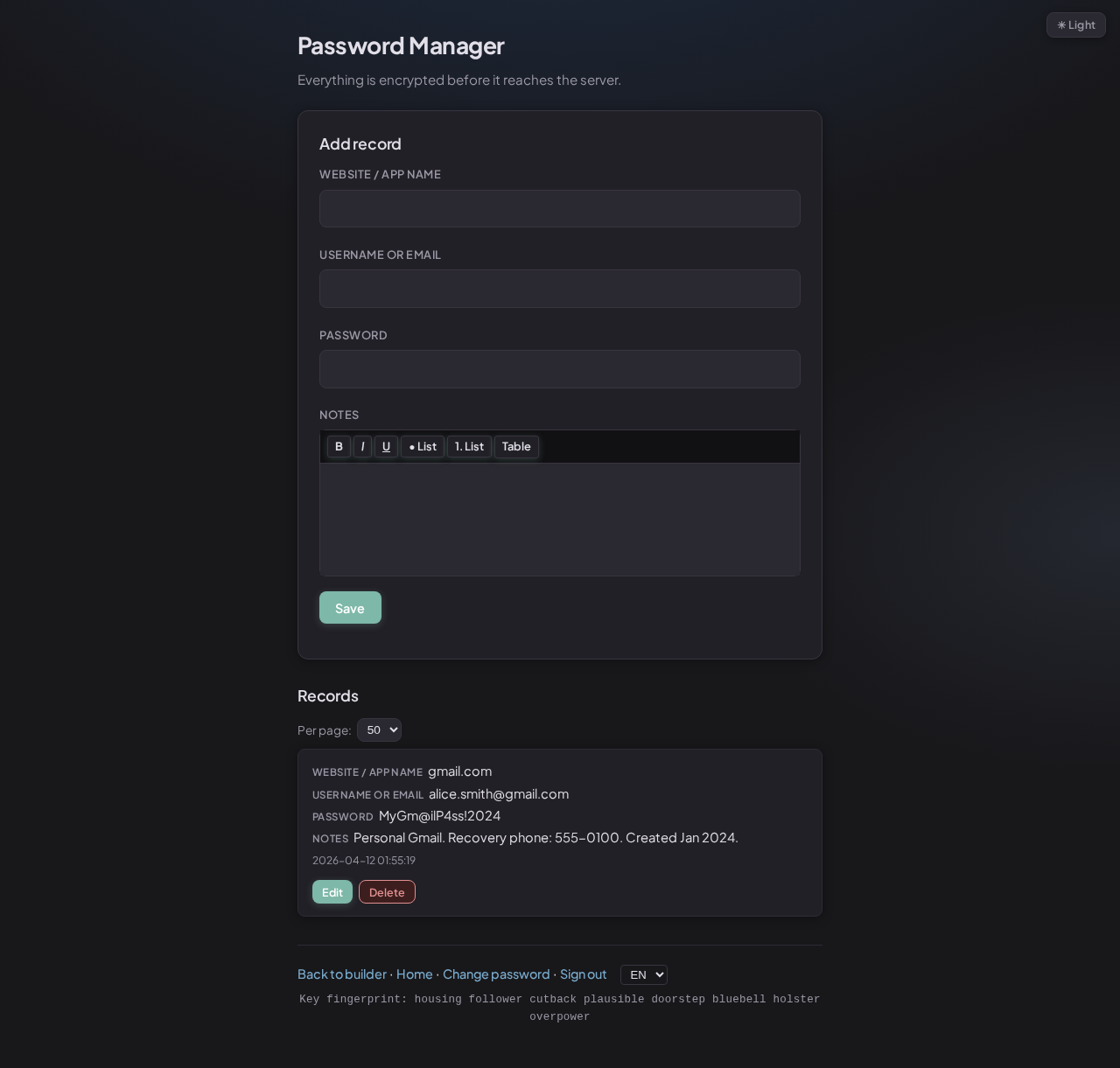
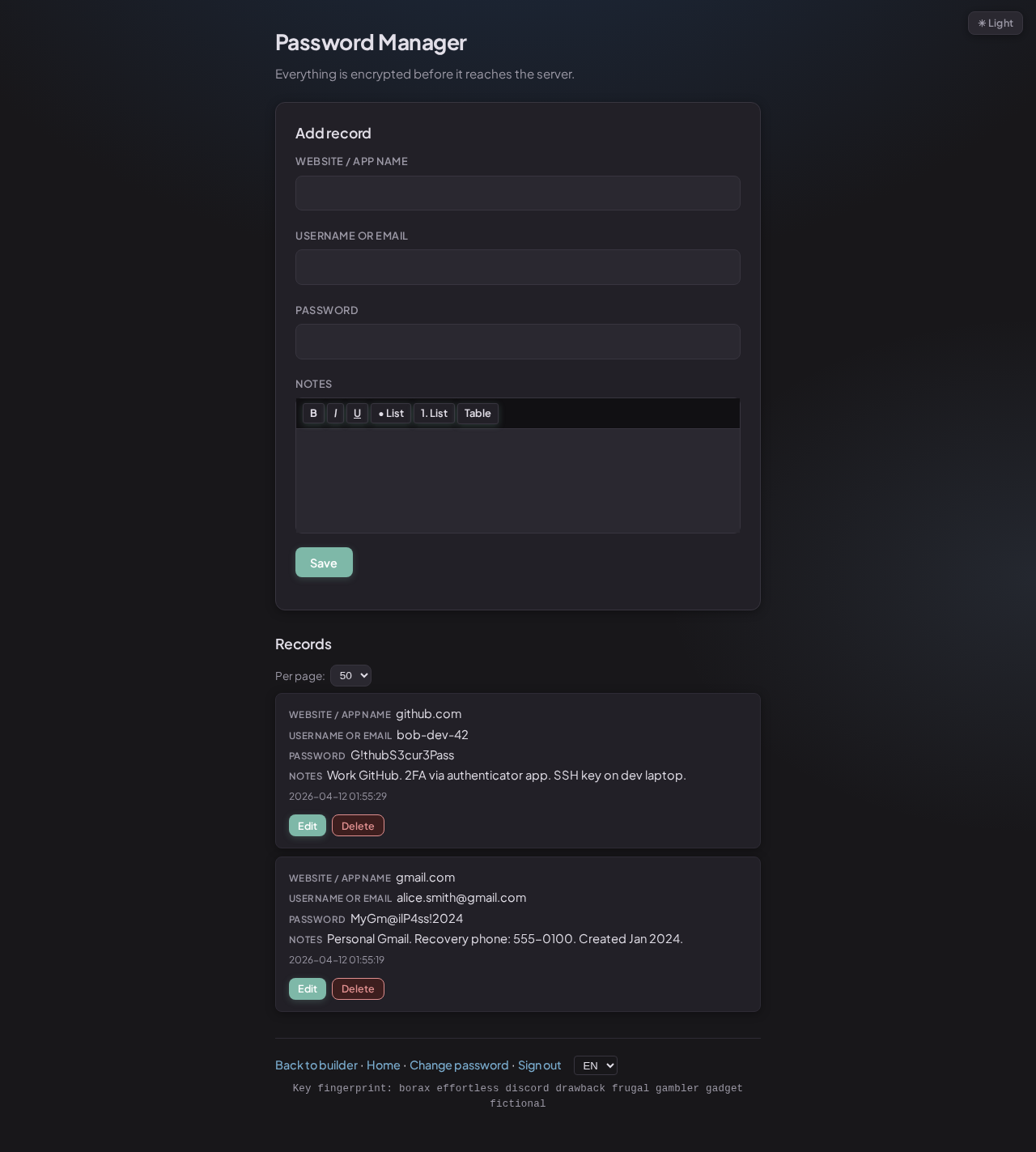
Open your app, enter a record, and click Save. Everything you type is scrambled in the browser before it's sent. When you open the app next time, your records are fetched as scrambled data and unscrambled locally for display.
Edit, delete, tag, and search your records. You can also add rich-text notes with formatting - bold, italics, lists, and tables.
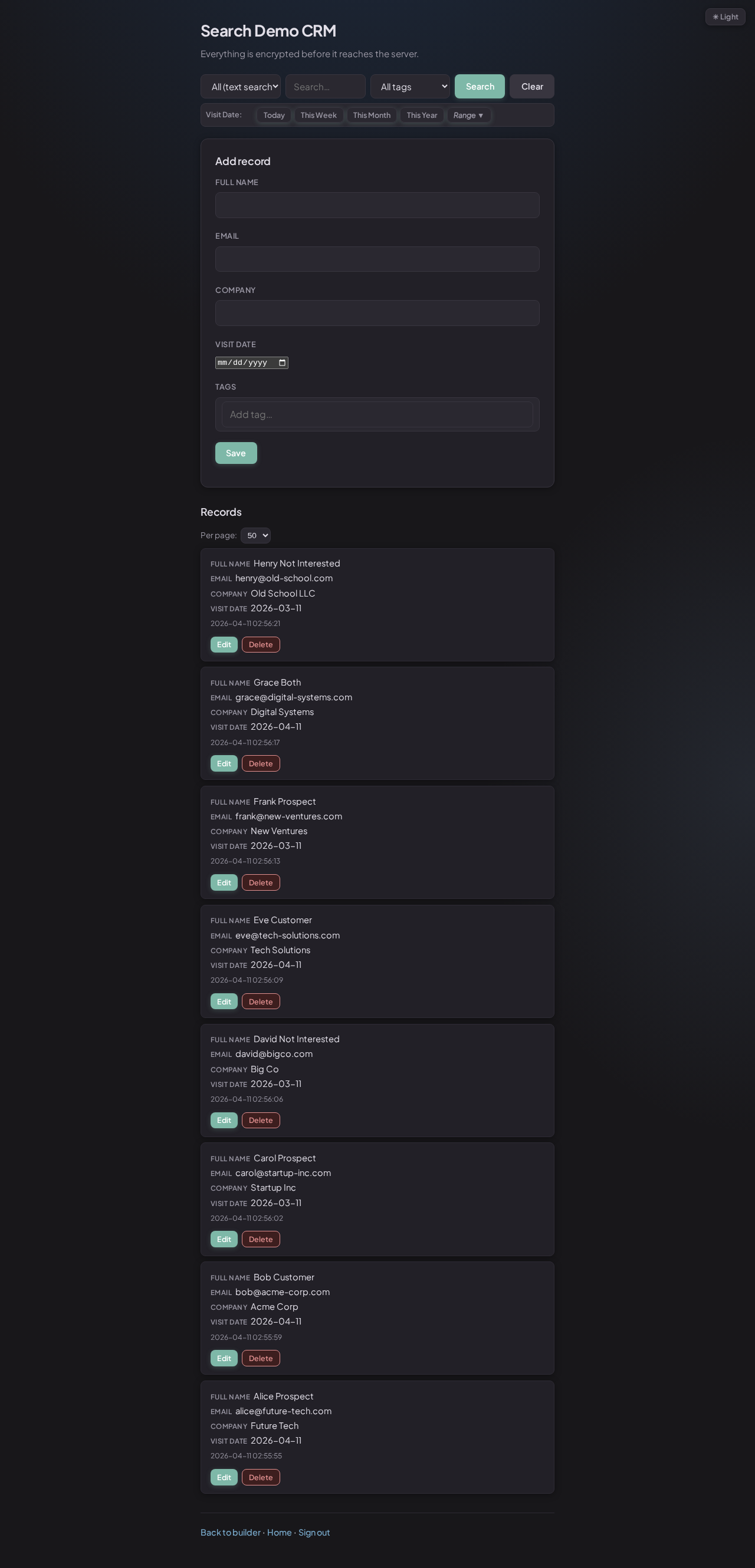
Both entries visible - all data decrypted locally for display
SealKeep has a powerful search system that works without exposing your private data. Search by text, by specific fields, by tags, or by date - or combine them all at once.
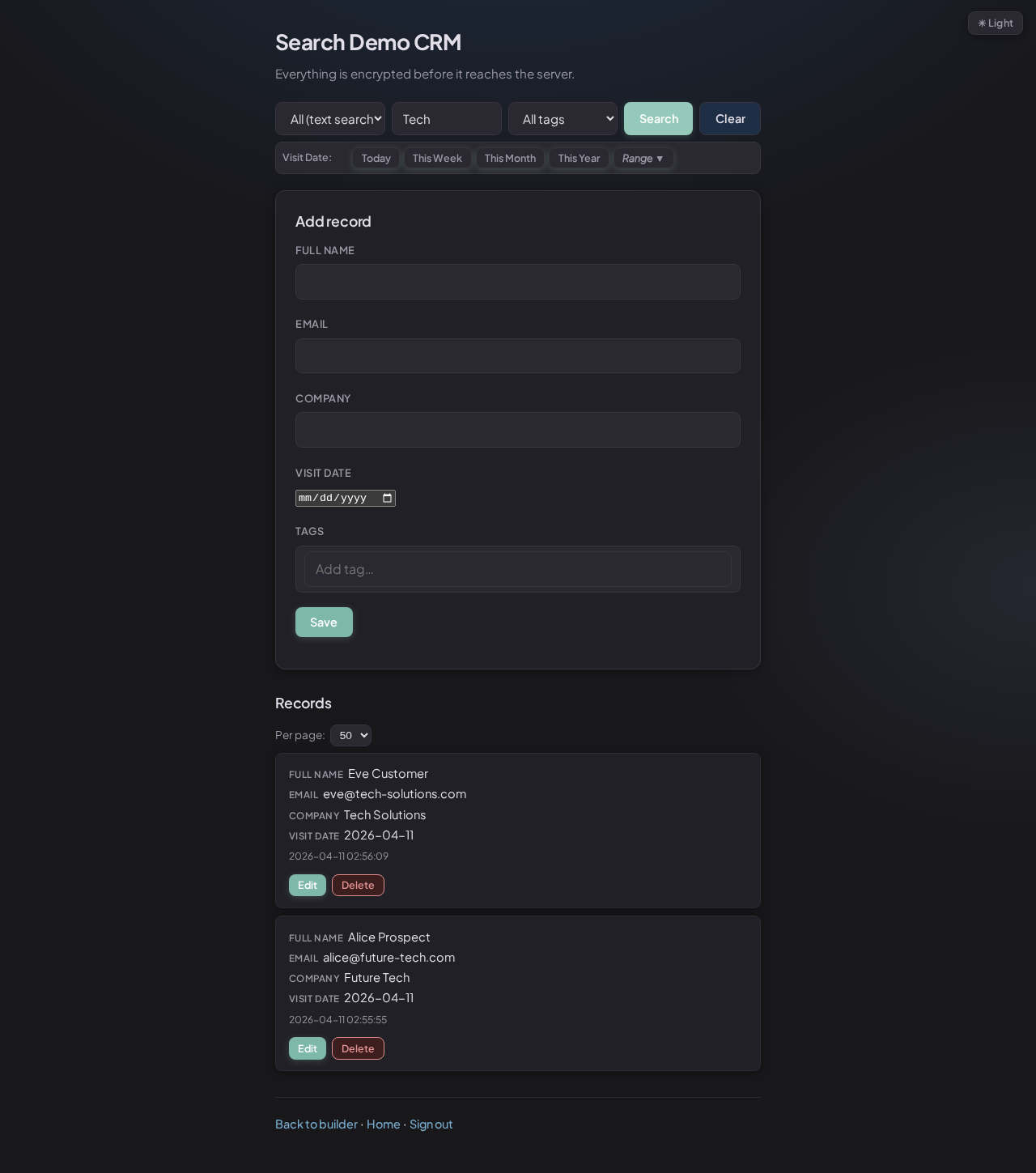
Type a term in the search bar and SealKeep will decrypt your records and search through them locally. Your search query never leaves your device - the server only delivers the locked records.
Full-text search - searches all decrypted field values
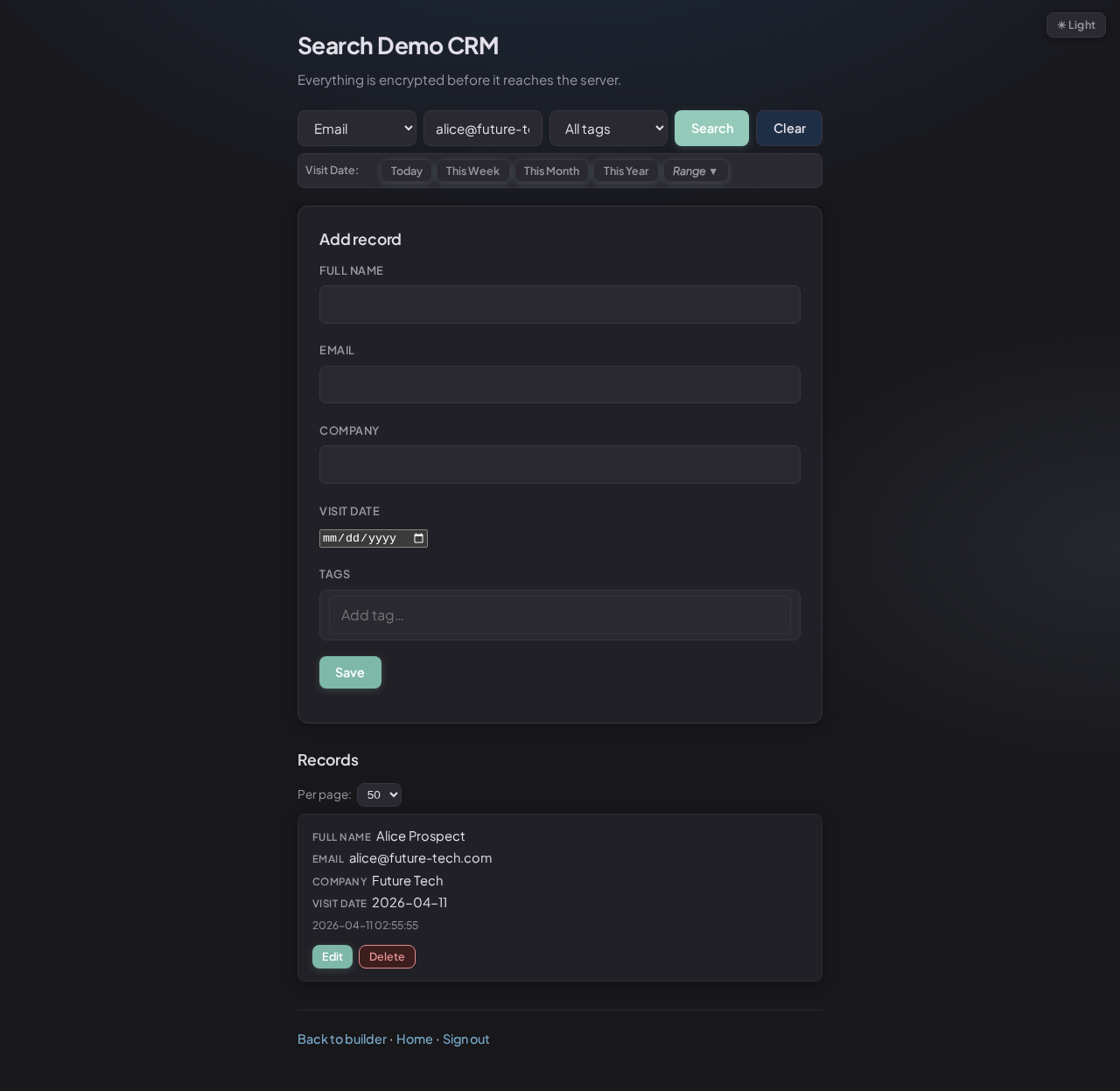
Select a field from the dropdown to narrow results. Fields marked as "searchable" use a special fingerprinting technique: the server can match them without seeing the actual value. Your data stays private - the server only ever sees a mathematical fingerprint.
If you mark a field as Searchable in the Builder, a mathematical fingerprint (HMAC) of that value is stored alongside the encrypted record. The server can use it for fast exact-match lookups without ever seeing the actual value.
Field search - matched via fingerprint, no plaintext sent to server
Tag your records with labels like "Prospect", "Active", or "Archived". Tags are stored as fingerprints on the server - so the server can filter by them without knowing what the tags say.
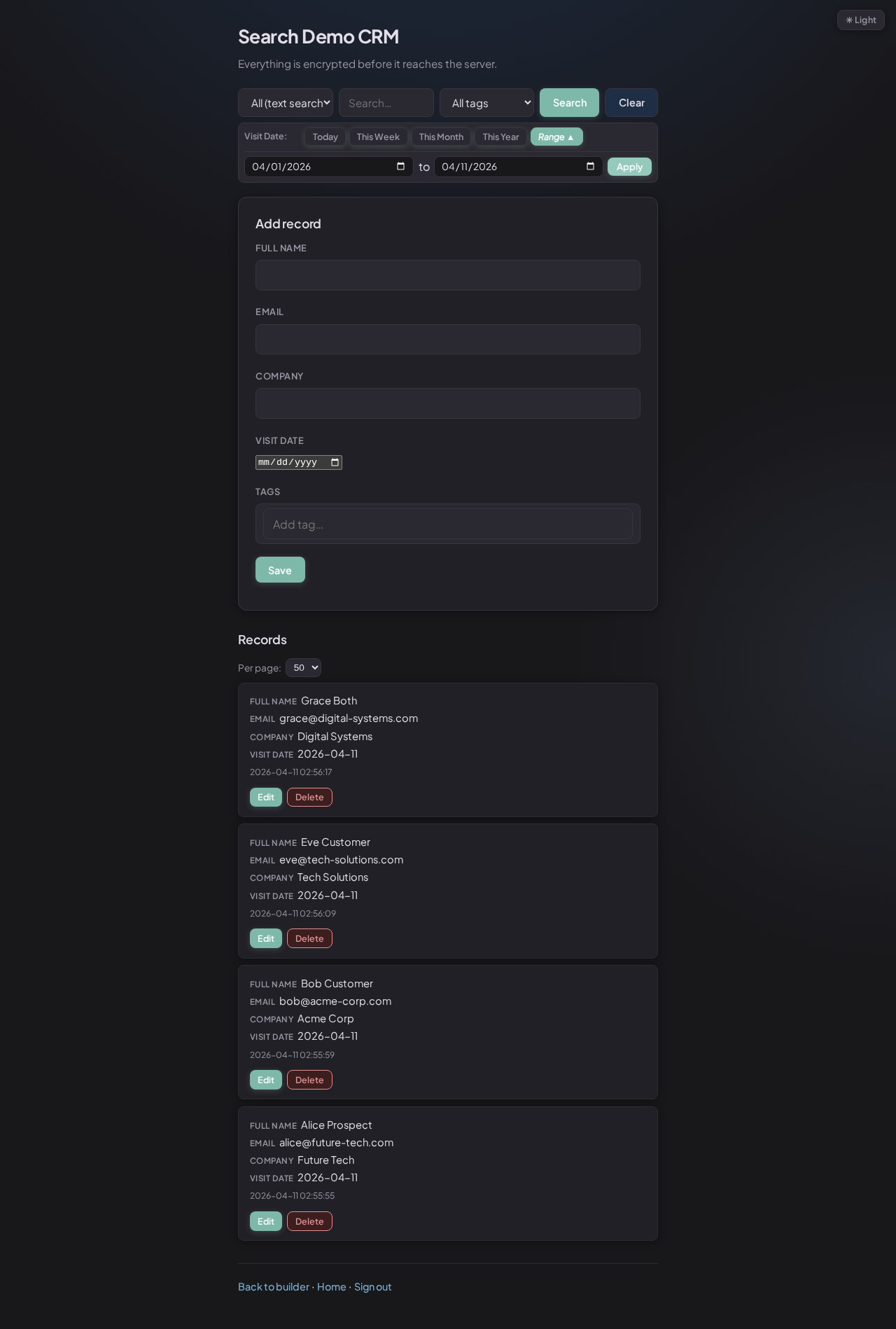
Use the date picker to show records created today, this week, or within any custom date range. Combine tags, field filters, and date filters in any combination.
Date range filter - narrow records to a specific period
Two-factor authentication (2FA) means that even if someone steals your password, they still can't log in - they'd also need your phone. SealKeep supports standard authenticator apps like Google Authenticator, Authy, and 1Password.
If you lose your authenticator app, use a backup code to regain access. You can also reset your password via the Forgot Password link on the login page, which lets you set a new password and re-enter with a backup code.
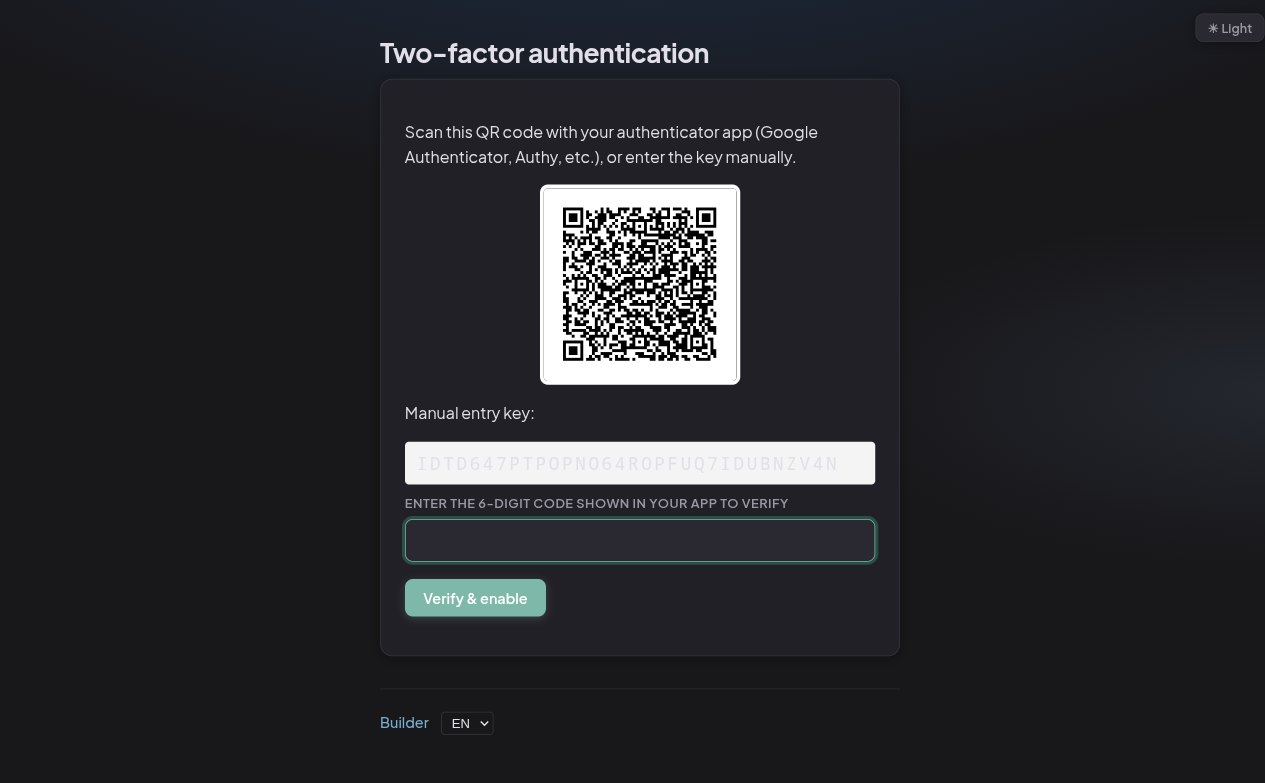
Scan this QR code with any authenticator app
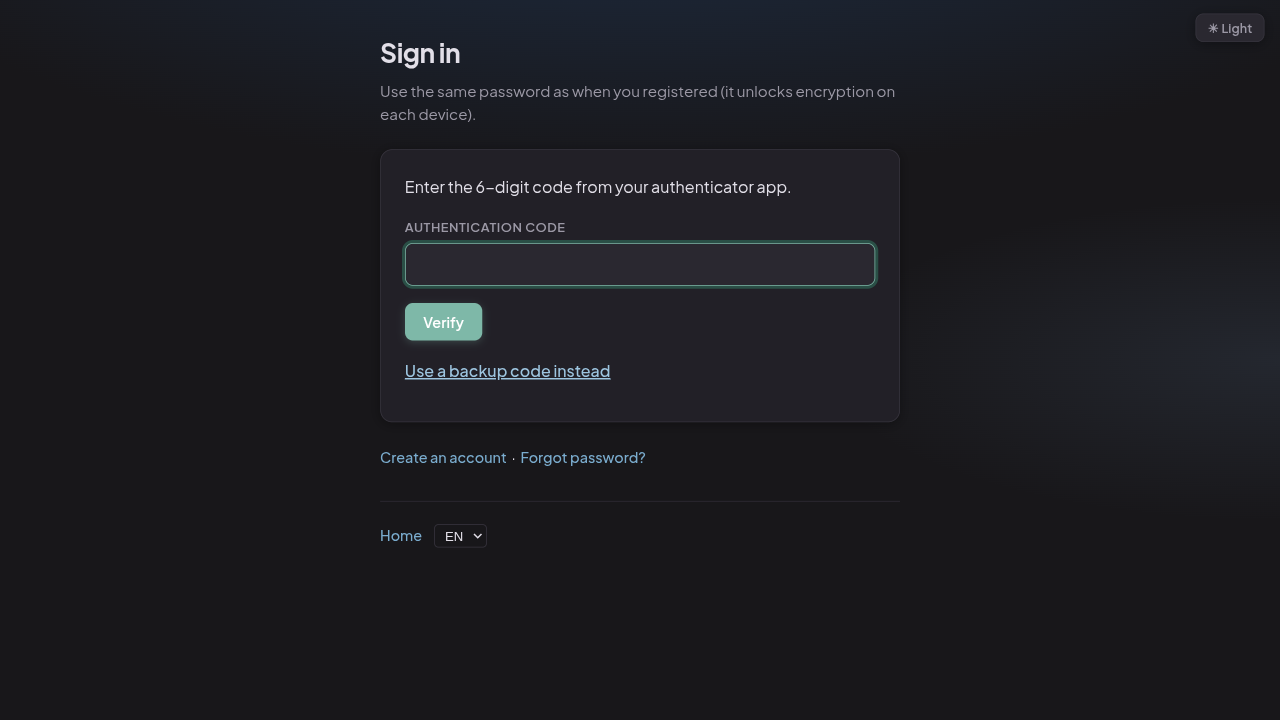
Login prompts for a 6-digit code after password
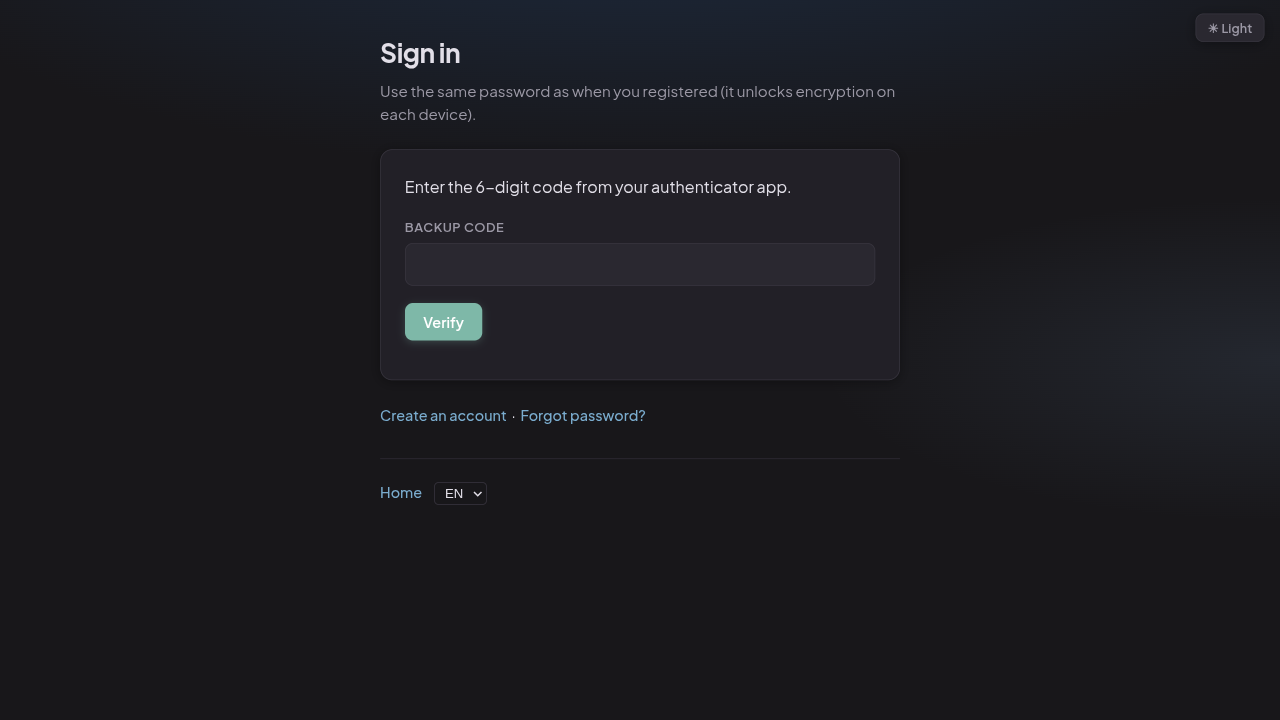
Lost your phone? Use one of the backup codes to get in
SealKeep lets you download an encrypted backup of all your records at any time. The backup file is locked with your encryption key - no one can read it without your password. If something goes wrong, restore from the backup and you're back where you left off.
Every field type stores its value as encrypted data. Pick the type that matches what you're collecting - the app handles the rest.
Short text - names, titles, single-line values
Email address - format is checked automatically
Phone number
Numeric - quantities, prices, ages
Date picker - calendar pop-up
Dropdown - one choice from a list you define
Radio buttons - all choices visible at once
Multi-select checkboxes - pick several options
Rich text editor - bold, italic, lists, tables
Label chips - type to add, click to remove
File upload - file bytes are encrypted inside the record
Invoice rows - description, qty, price, tax, total
Each field can be sized independently: Full (entire row), Half, One-third, or Two-thirds. On mobile, all fields automatically expand to full width so nothing gets squished.
Fields can be hidden in the list view, the form, or both. Use this to keep internal notes or sensitive values out of sight without removing them from the record.
SealKeep uses several layers of protection. Here's what each one does and why it matters.
When you unlock the app, your password is transformed into an encryption key that lives only in your browser's memory. It is never sent to the server.
The transformation is deliberately designed to be slow for anyone trying to guess your password, making automated attacks impractical.
Before a record is sent to the server, the browser scrambles the data using AES-256-GCM - the same standard used by banks and governments. Each record gets a unique random component (called an IV) so that identical records look different.
AES-GCM also detects tampering: if the ciphertext is modified in any way, decryption fails immediately with an error.
Each recovery code is an independent key to your data - generated in the browser and never sent to the server in readable form. Using a code removes it from the list so it can't be used again (one-time codes).
The server stores encrypted bundles ("blobs"), each locked by a different code. The codes themselves are only shown to you once and never leave your screen.
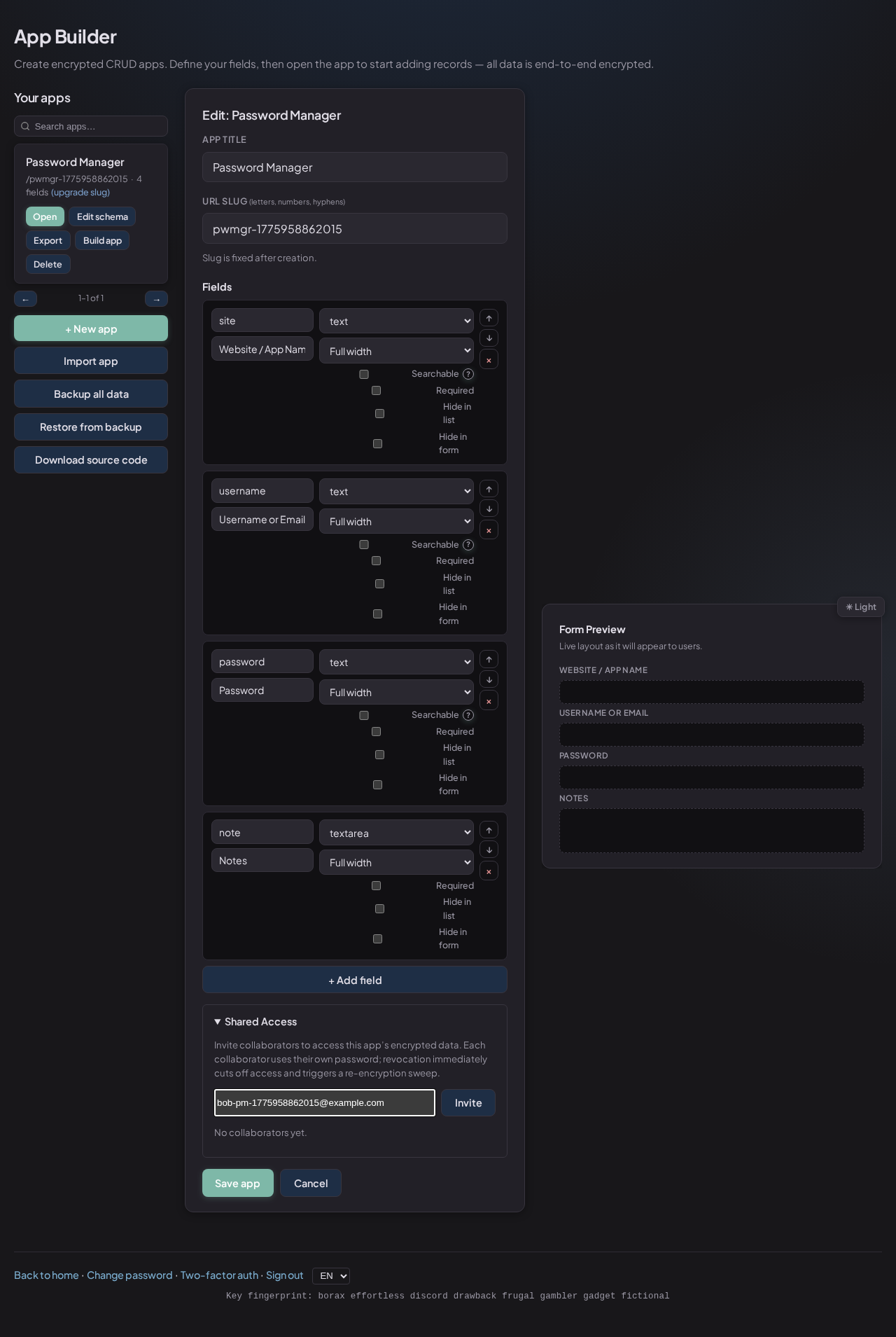
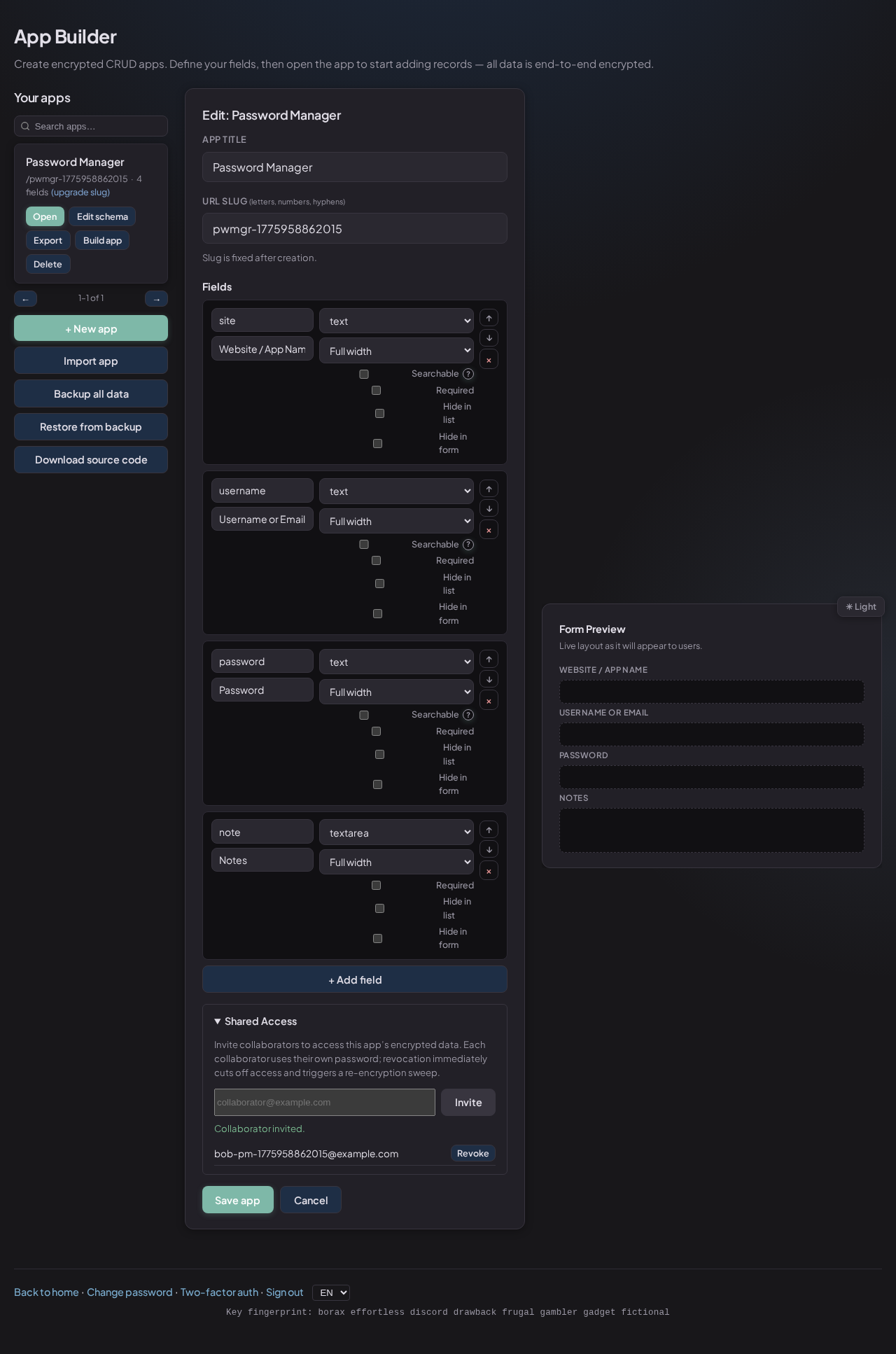
When you invite a collaborator, SealKeep creates a sealed digital envelope using their public key (a number that can be shared freely). Only their private key - which never leaves their device - can open it.
Revoking access destroys their envelope and generates a fresh key for your app. Past data remains encrypted under the new key.
Tag labels are stored as mathematical fingerprints (HMACs) on the server - the server can match a search without ever seeing the tag text. The actual label is stored separately in encrypted form.
This means you can filter records by tag server-side without the server knowing what your tags say.
Optional TOTP (time-based one-time password) support means even a stolen password can't be used to log in alone. The 6-digit code changes every 30 seconds and is generated by an app on your phone.
Backup codes let you regain access if you lose your authenticator. Password reset works without breaking any of your encrypted data.
The login endpoint limits failed attempts per IP address. After 5 failed attempts within 10 minutes, further attempts are blocked temporarily. This stops automated password-guessing tools from running unhindered.
Authentication uses HttpOnly session cookies, which means JavaScript on
the page cannot read the session token. This protects against a common attack called
cross-site scripting (XSS).
CSRF tokens protect all state-changing requests (POST, PUT, DELETE) from being triggered by malicious third-party websites.
Here's every piece of data stored in the database and whether anyone with a copy of that database could read your information.
| What's stored | What it is | Readable without your key? |
|---|---|---|
users.password_hash |
A scrambled version of your login password (bcrypt) | Not reversible |
users.encryption_salt |
A random value used to derive your key (not secret) | Visible - not harmful alone |
users.recovery_blobs_json |
Encrypted copies of your data key, one per recovery code | 🔒 Encrypted |
records.payload |
Your actual data - scrambled with AES-256-GCM | 🔒 Encrypted |
records.meta_json |
Internal record metadata (e.g. migration state) | 🔒 Encrypted payload only |
app_schemas.fields & app_schemas.title |
Your app's field definitions and title | 🔒 Encrypted |
user_tags.tag_hmac |
Mathematical fingerprint of each tag label | 🔒 Not reversible |
user_tags.tag_enc |
Encrypted tag label text | 🔒 Encrypted |
app_key_grants.* |
Shared access grants - app key wrapped for collaborator's keypair | 🔒 Encrypted per-recipient |
users.ecdh_pub_key |
Collaborator's public key (used for sharing) | Public - intentionally visible |
users.ecdh_priv_enc |
Collaborator's private key, encrypted with their password | 🔒 Encrypted |
users.totp_secret_enc |
Two-factor authentication secret, encrypted with user's key | 🔒 Encrypted |
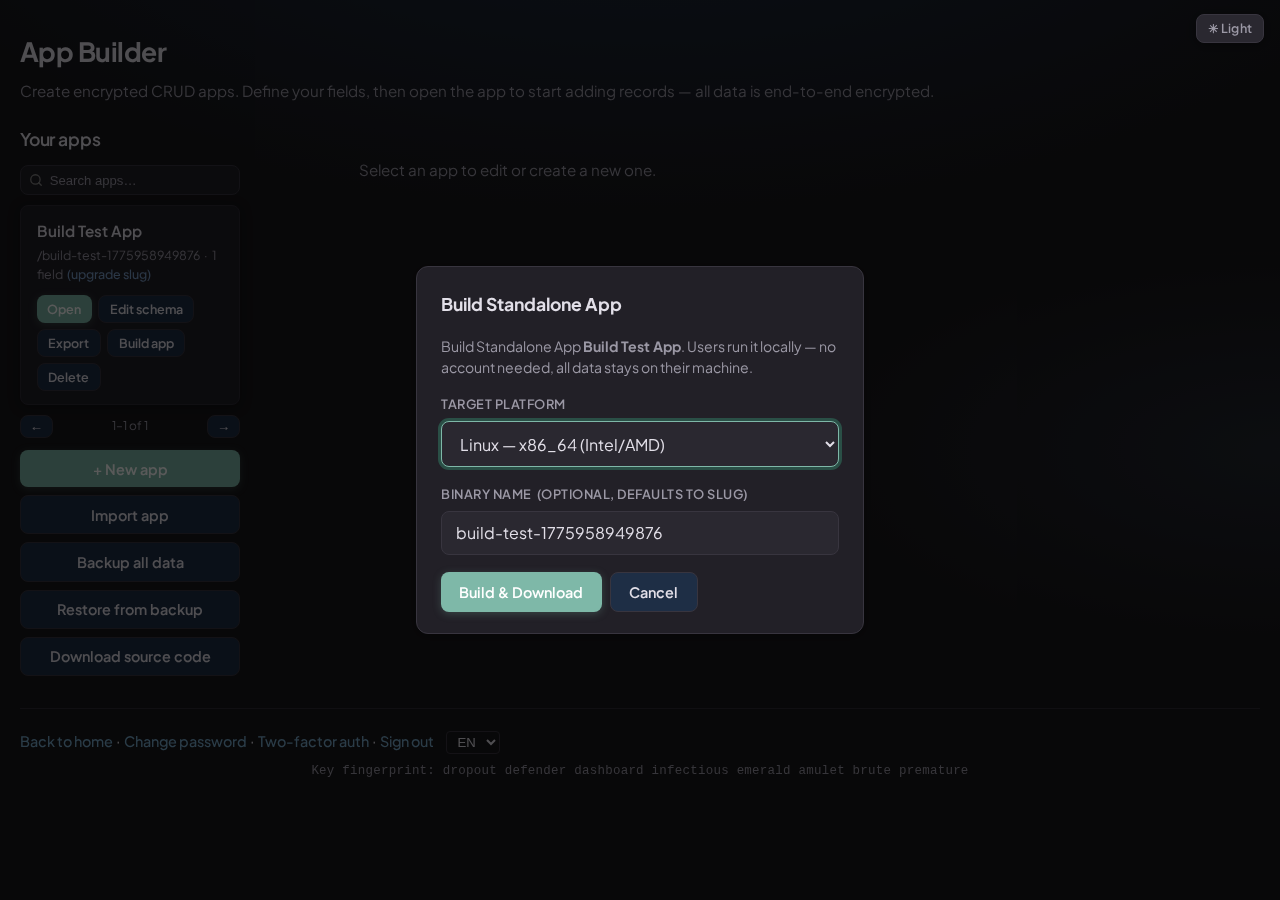
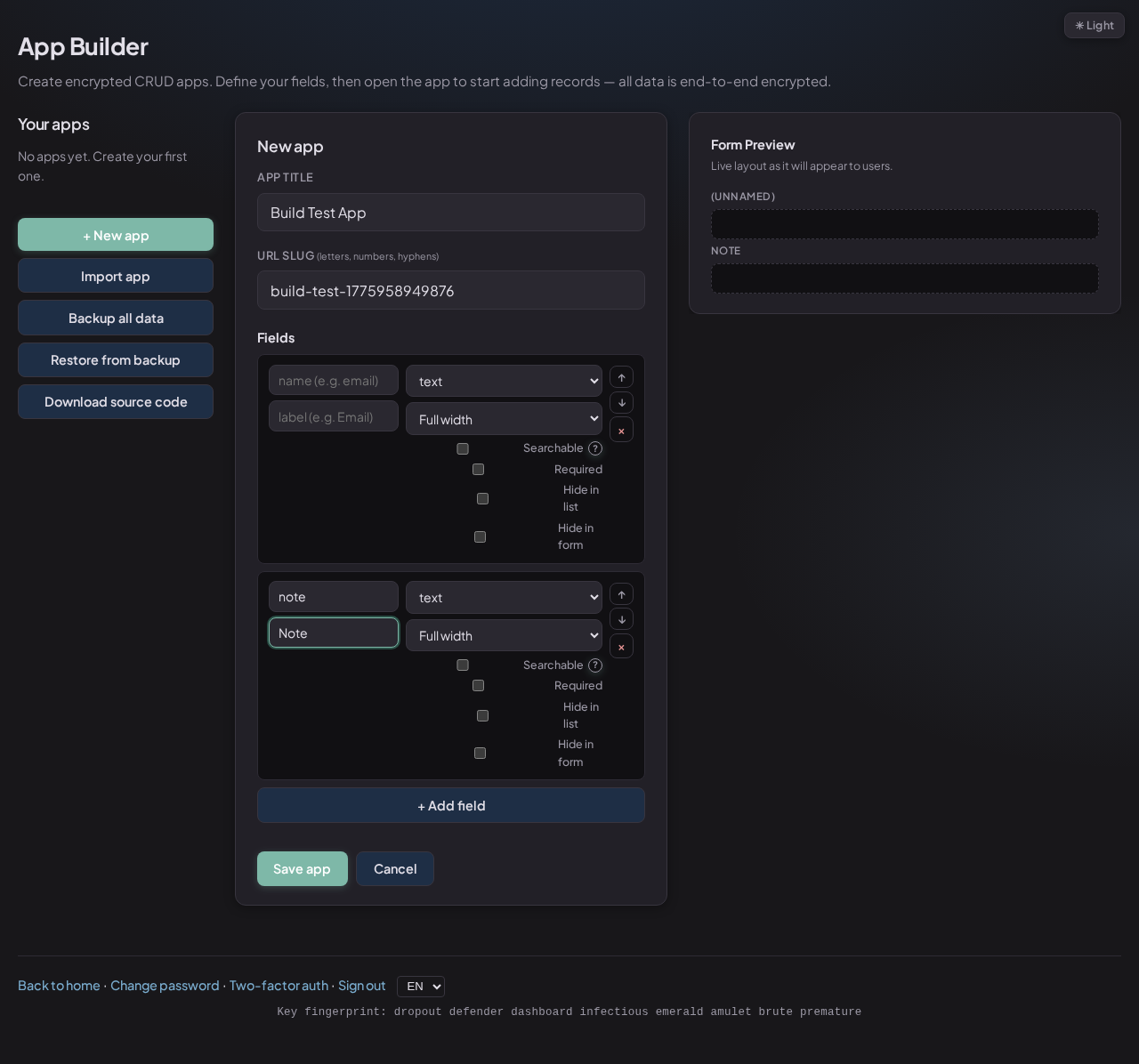
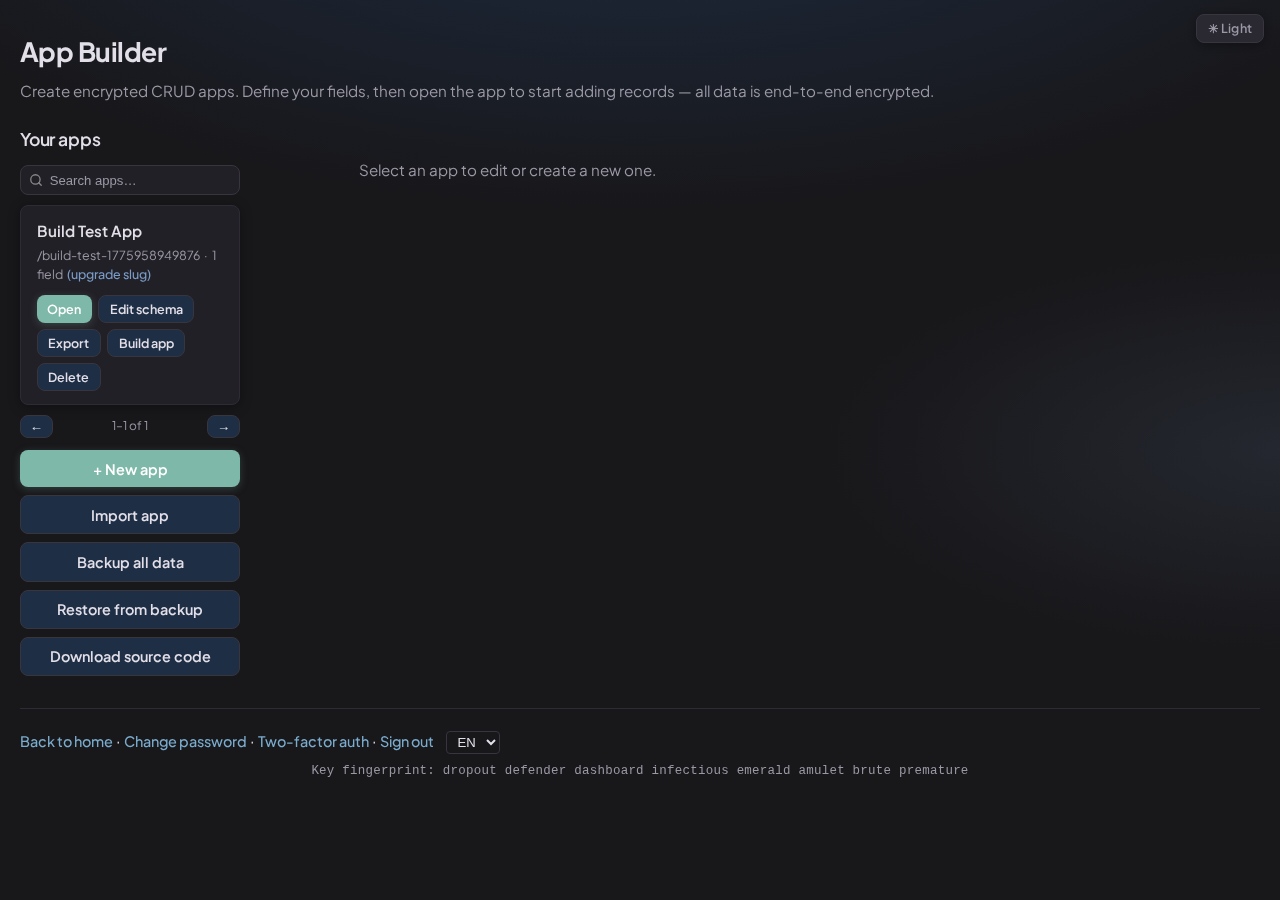
Design a form in the Builder, then compile it into a single file that users run on their own computer. No internet, no account, no server. The developer never sees user data - not even with a copy of the database file.
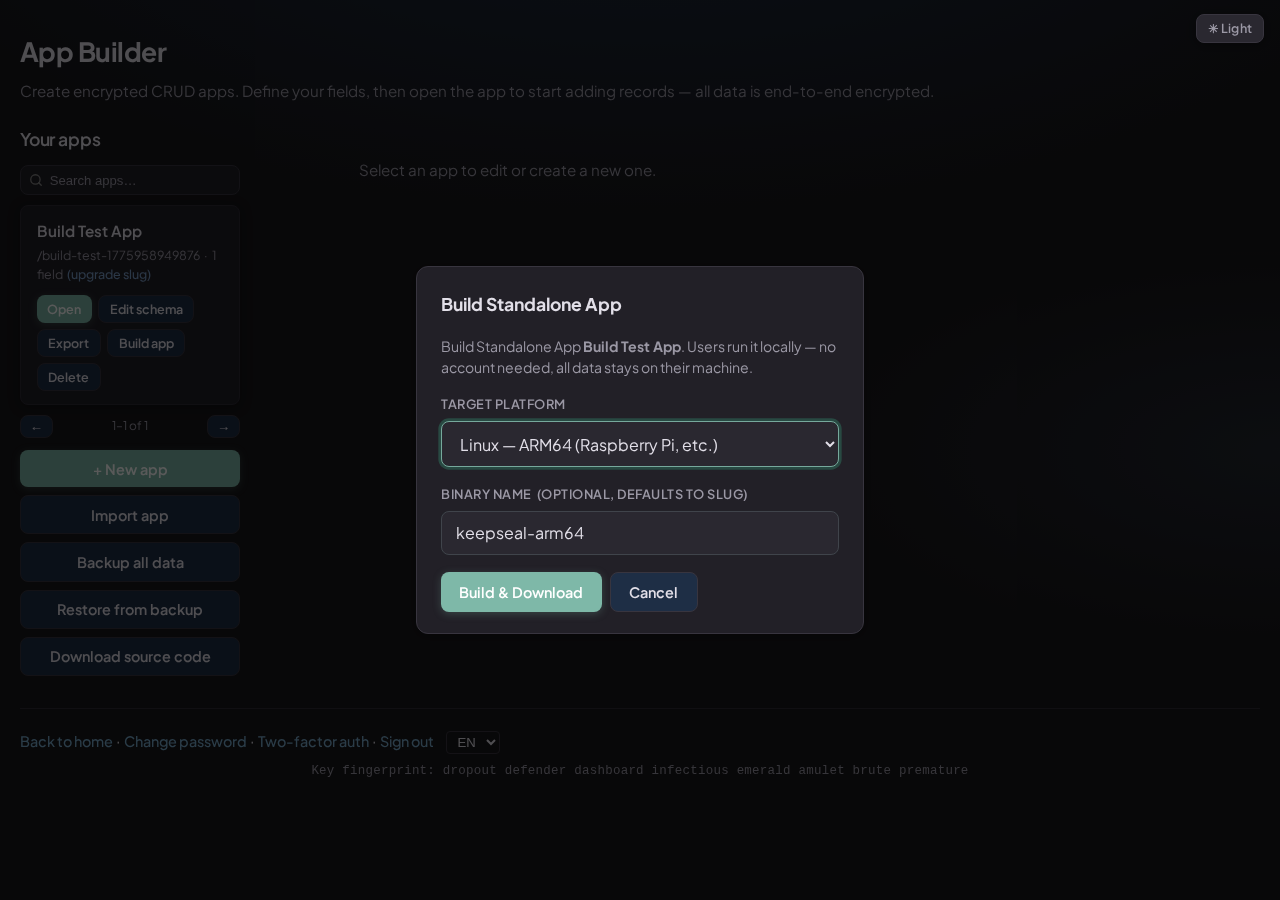
One-click build from the Builder - choose your platform
Linux, macOS (Intel + Apple Silicon), Windows - all from a single build command.
Schema, UI, and server all in one binary. Only data.sqlite is created at runtime.
The developer can't read user data. Even with a copy of the database, it's all encrypted.
Ship a new binary with an updated schema. Existing records open fine - the key doesn't change.
Clone, run, register, and start building your first encrypted app.